
// PROS
- Better motion realism and physical coherence on longer clips
- Stronger prompt adherence for complex scenes
- Commercial use entry at $8.8/month (Kling Standard renewal)
- Pika excels at stylized, animated, and illustrated aesthetics
// CONS
- Neither free tier includes monthly credits
- Pika commercial license requires Creator plan at $28/month annually
- Kling's community and tutorial ecosystem is less developed
- Both still struggle with standard AI video artifacts like morphing and hands
- Neither matches Runway's quality on complex cinematic scenes
Winner: Kling AI, for most use cases.
Pika has better brand recognition and a more polished onboarding experience. The output quality for stylized and animated content is genuinely strong. But the pricing structure and motion quality pull Kling ahead for most short-form production work. The pricing gap for commercial use is significant.
Here’s the full breakdown.
What We’re Actually Comparing
These are both AI video generators in the budget-to-free tier category. Neither is trying to compete with Runway’s cinematic quality. They’re optimized for fast, accessible AI video: the kind you’d use for YouTube Shorts, TikTok content, social B-roll, and creative experiments.
The comparison that matters: which one gives you better output at lower cost, and which one fits better into a short-form content workflow.
Free Tier
Neither platform gives you monthly credits on the free plan.
Pika Free: 0 credits per month, packs only. Output carries no watermark, but the plan has no commercial license (Source).
Kling Basic: $0, free forever. No monthly credits, no commercial use rights. Daily free credits are a subscriber benefit. They require an active paid plan (Source).
If you want to experiment before committing, Pika’s free tier is the better starting point. Watermark-free output with no credits clock is useful for testing prompts and sharing work publicly. Kling Basic output carries the brand watermark until you subscribe.
Pricing and Commercial Use
This is where the platforms diverge.
Kling Standard: $8.8/month (renewal rate; $10/month listed, $6.99 first month). Includes 660 credits/month, commercial use rights, and brand watermark removal (Source).
Pika Starter: $8/month billed annually ($10/month billed monthly). Includes 900 credits/month. No commercial license included (Source).
Pika Creator: $28/month billed annually. Includes 3,150 credits/month. This is the first Pika tier with a commercial license (Source).
The practical gap: if you need to use your output commercially (in a branded video, a campaign, a client deliverable), Kling’s entry price is $8.8/month. Pika’s is $28/month. Same ballpark for personal use; a real pricing difference for anyone doing professional work.
Per-credit economics at entry: Kling Standard runs $1.06 per 100 credits. Pika Creator runs less than $0.90 per 100 credits at the Creator tier. Pika Creator is more cost-efficient per credit at volume. Kling is cheaper to get started.
Kling Pro runs $32.56/month (renewal) for 3,000 credits/month. Pika Fancy runs $76/month (annual) for 8,550 credits. Different tier structures, different volumes. Compare by use case rather than headline price.
Output Quality: Closer Than You’d Think
Pika’s strengths:
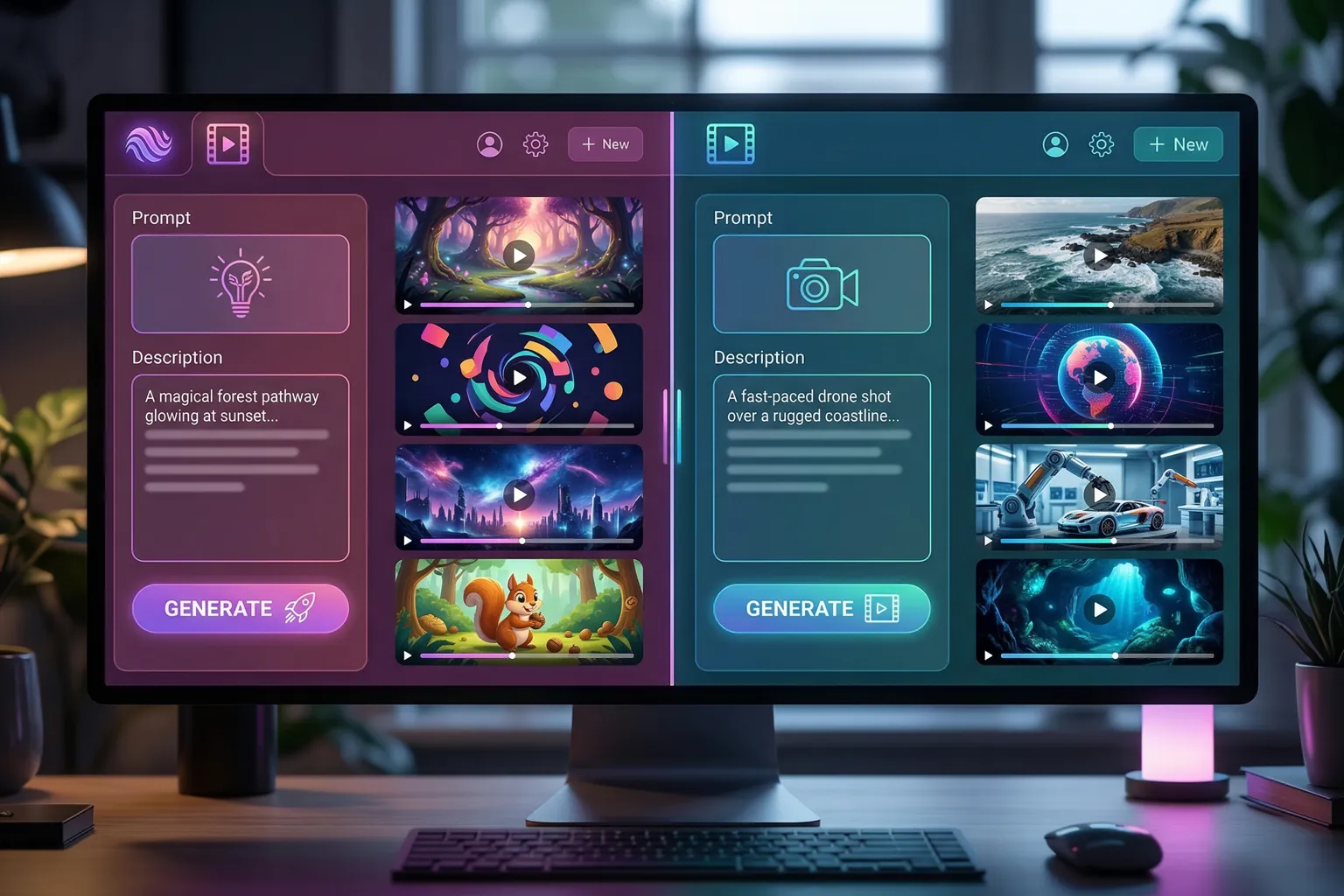
- Stylized and animated aesthetics. Pika has always excelled at non-realistic visual styles: cartoon, anime, illustrated, painterly. The style system handles this better than Kling’s more literal approach.
- Shorter, punchy motions. Quick camera moves, snappy transitions, energetic style shifts. Pika is built for content that moves fast.
- Prompt consistency on shorter clips. For a 3-second clip, you tend to get what you ask for.
Kling’s strengths:
- Motion realism on longer clips. Kling handles 8-10 second generations with better physical coherence. Objects move more naturally, the physics are more grounded.
- Better prompt adherence for complex scenes. Complex spatial or atmospheric prompts land closer to what was specified.
- Consistent quality across multiple generations. Kling’s output is more predictable run-to-run. Pika’s output variance is higher.
Both platforms still have the standard AI video problems: morphing objects, hands doing unsettling things, text in the scene that looks like someone’s nightmare. Kling handles these edge cases better. The gap is small but consistent.
The honest summary: for quick, stylized, short-clip content, Pika is competitive and sometimes better. For anything requiring physical realism or longer generation lengths, Kling is the stronger tool.
Style and Creative Control
Pika’s style system is worth specific mention. The platform has style presets (realistic, anime, claymation, and 3D Pixar in Character Studio) that shift the aesthetic of your generation quickly (Source). This is Pika’s clearest competitive advantage.
For content aimed at an audience that responds to specific visual styles (anime-influenced, illustrated, game-adjacent), Pika’s presets make that workflow faster than manually prompt-engineering toward the same result in Kling.
Kling’s creative controls are more focused on prompt fidelity and technical parameters. Camera motion controls, generation length, aspect ratio: the levers are there but less stylistically opinionated. It assumes you know what you want and tries to deliver it accurately.
Workflow in Practice
The typical use pattern: Kling for the bulk of realistic B-roll and scene work, Pika pulled out when the brief calls for animation, illustration, or a stylized visual identity. The tools fill different slots rather than duplicating each other.
Pika’s parallel generation limit (2 simultaneous on Free and Starter, 8 on Creator) is a practical constraint for high-volume workflows. Kling subscribers get queue-unlimited task submission starting with Standard.
For a workflow that mixes both platforms to make actual YouTube Shorts, see How to Make YouTube Shorts with AI in Under 5 Minutes.
Community and Ecosystem
Pika has a more active public-facing community: more tutorials, more prompt guides, and the tool shows up more frequently in “I made this with AI” social posts.
That community advantage matters practically. When you’re stuck on a prompt, “how do other people do this in Pika” has more answers than the equivalent Kling question. For beginners especially, the community documentation is a real resource.
Kling’s community is growing. Their output shows up constantly in short-form video, but the creator-to-tutorial pipeline is less developed. Expect this to even out as the platform matures.
Head-to-Head vs Runway
Both Pika and Kling compete primarily with each other in the budget tier. Against Runway, the quality gap in cinematic and complex scenes is real. But Runway’s paid plans run $12-$76/month on annual billing (Source). Different price bracket.
For short-form social content, neither Pika nor Kling is necessarily inferior to Runway on a per-clip basis. Runway’s advantages matter more for premium content production than for Shorts and TikTok B-roll.
See the full head-to-head in Runway vs Pika vs Kling.
The Verdict
For short-form content creation (YouTube Shorts, TikTok, Instagram Reels B-roll), Kling is the first choice. Motion quality is better for anything longer than 3 seconds, prompt adherence makes the workflow more predictable, and commercial use starts at $8.8/month rather than $28/month.
Pika earns its spot for stylized aesthetic output. Animation, illustration, distinctive visual style. Kling’s more realistic output doesn’t hit those targets as well, and Pika’s style presets make the workflow faster.
The practical recommendation: keep both accounts. They fill different slots and both are free to test. If you’re doing professional work with commercial output, Kling is the cheaper commercial entry by a significant margin. If stylized content is a regular requirement, Pika Creator at $28/month gives you 3,150 credits with a commercial license.
For the full landscape of AI video tools, the Best AI Video Generators 2026 roundup has all the context.