
- AI should handle the scaffolding, not the soul of your content
- Feed the tool examples of YOUR voice before generating anything
- The editing phase is where your content becomes yours — never skip it
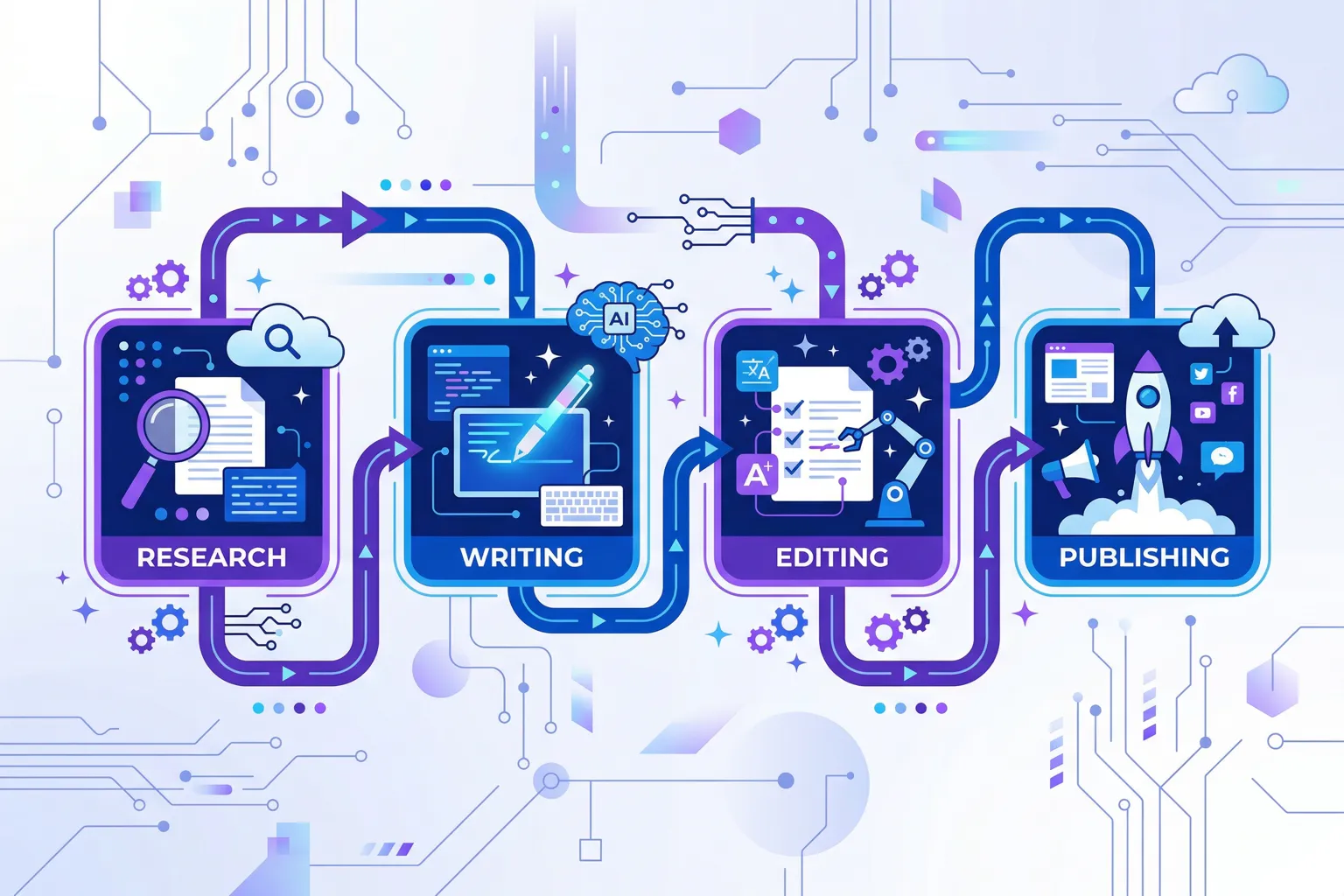
- Build a repeatable workflow: brief, generate, humanize, polish, publish
- Track what you change in AI output to train yourself (and the tool) faster
AI writing tools got the same skepticism I apply to any enterprise software claim.
The concern wasn’t replacement. It was that the tools would become so easy and so fast that quality would stop mattering. Why spend hours building a careful argument when the machine produces something passable in seconds?
Good news and bad news.
The bad news: that fear was partially justified. There’s a wave of AI-generated content flooding every channel right now, and it all reads the same. The good news: it doesn’t have to be that way. Teams that care about quality and put in the work can use these tools to move faster without going generic.
Here’s what a disciplined workflow looks like.
Step 1: Start with a Brief, Not a Prompt
This is where most people go wrong. They open their AI tool, type “write a blog post about content marketing,” and then wonder why the output is bland. Of course it’s bland. You gave the tool nothing to work with.
Before you touch any AI tool, write a brief. Not for the AI. For yourself. Answer these questions:
- What’s the one thing I want the reader to take away? Not three things. Not five things. One.
- Who am I talking to? Be specific. “Small business owners” is too broad. “A freelance graphic designer who wants to start a blog but has never written anything longer than an Instagram caption.” That’s a person you can write for.
- What do I know about this topic that most articles don’t cover? This is where your voice lives. Your unique experience, your contrarian take, your specific example. If you’ve got nothing to add beyond what already exists, the AI can’t save you.
- What tone fits this piece? Conversational? Authoritative? Warm and encouraging? Deliberately provocative?
Write this brief down. If you can’t answer these questions, you’re not ready to write the piece. With or without AI.
Step 2: Feed the Tool Your Voice
Every AI tool defaults to the same vaguely professional, relentlessly positive, bullet-point-happy voice. If you generate content without adjusting this, you’ll sound exactly like every other AI-assisted writer on the internet.
Before generating any content, I give the tool two things:
A voice description. Mine says something like: “Write in a direct, plain-English tone for a business audience. Use specific examples over general statements. Avoid buzzwords, hedging, and passive constructions. Vary sentence length. Short sentences for emphasis. Longer ones for explanation. This should read like a knowledgeable colleague explaining a decision to a peer, not a vendor pitch.”
Three to five samples of my actual writing. I paste in pieces I’ve written that represent the voice I want. The tool uses these as a reference point.
And this step makes a dramatic difference. Is the output perfect? No. But it’s close enough to be a usable starting point instead of a generic slab of text I’d have to rewrite from scratch.
Step 3: Generate the Scaffolding
Now I use the AI tool. I’m not asking it to write the piece. I’m asking it to build the scaffolding.
My typical prompt structure:
“Based on this brief [paste brief], write a detailed outline. Include a compelling opening angle, section headings, key points for each section, and a strong closing that ties back to the main takeaway. Do not write the full article yet.”
But starting with an outline lets me shape the piece before the AI has committed thousands of words in a direction I don’t want. I can rearrange sections, cut tangents, and add my own ideas to specific sections before any prose gets generated.
And once the outline looks right, I generate the full draft section by section. Not all at once. Section by section, so I can course-correct as we go. If section two goes sideways, I can redirect before section three builds on a bad foundation.
Step 4: The Humanizing Pass
This is the most important step, and it’s the one that lazy users skip. The AI has given you a draft. It’s probably well-organized, factually reasonable, and completely devoid of personality. Your job now is to make it human.
Here’s exactly what I do in this pass:
Replace generic examples with specific ones. The AI might write “for example, a small business could use this to improve their marketing.” Replace it with a specific case from your team’s domain.
Add my opinion. AI tools hedge. They say “some experts believe” and “it depends on your situation.” Sometimes that’s appropriate. Often, it’s cowardly. If I’ve got an opinion, I state it directly. “This tool is overpriced for what it does. Here’s why.”
Fix the transitions. AI-generated transitions are consistently the weakest part of any output. “Speaking of which,” “Moving on to,” “Another important point is” are the written equivalent of clearing your throat. Replace them with transitions that flow naturally or, more often, cut them entirely. Good writing doesn’t need signposts between every section.
Vary the rhythm. AI tends to produce paragraphs of uniform length. Human writing has rhythm. Short paragraphs for emphasis, longer ones for explanation, occasional one-sentence paragraphs that land hard.
I restructure the flow to create that rhythm.
Delete the filler. AI is wordy. It uses three sentences where one would do. I cut aggressively. If a paragraph can lose a sentence without losing meaning, that sentence goes.
Step 5: The Polish Pass
The humanizing pass makes the content sound like you. The polish pass makes it good.
Read the piece aloud. Seriously. Out loud. Your ear will catch problems your eyes skip: awkward phrasing, repeated words, sentences that are too long to read in one breath, sections where the energy drops.
I also check for these specific issues:
- AI tells. Certain phrases are AI fingerprints. “In today’s fast-paced world,” “This is a game-changer.” Kill them all.
- Passive voice creep. “The report was generated by the tool” becomes “The tool generated the report.” Active voice is almost always stronger.
- Weasel words. “Somewhat,” “relatively,” “fairly,” “quite.” AI loves these qualifiers. Most of the time, they add nothing. Remove them and see if the sentence improves. It usually does.
- The opening paragraph. AI tool openings are reliably the worst part of any generated content. Your opening is where the reader decides whether to keep reading or bounce. Make it count.
Step 6: Fact-Check and Publish
AI tools hallucinate. Publishing AI-assisted content without fact-checking is reckless.
Verify every specific claim: statistics, dates, product features, prices, quotes. A made-up statistic that gets caught will damage your credibility far more than the stat could’ve helped.
Check all links. Check product names and spellings. Check that any tools, features, or pricing mentioned are current. AI training data has a cutoff, and the tools world changes fast.
Once everything checks out, publish. Then do something most AI-assisted writers skip: read your published piece one more time. On the actual page, with the actual formatting. You’ll almost certainly find one or two things to fix.
Annoying? Yes. Worth it? Also yes.
The Hard Truth
AI content tools are only as good as the human operating them. In the hands of someone who has nothing to say, these tools produce nothing worth reading, faster. In the hands of someone with expertise, a point of view, and the willingness to edit, they’re a genuine force multiplier.
The teams that thrive with AI tools will be the ones who use the technology to do more of what they’re already good at. Not the ones who use it to avoid the work. The tools handle the scaffolding. You provide the judgment. Skip either part and the result isn’t worth publishing.
Look, I’m an old dog, and these are genuinely new tricks. But the fundamentals haven’t changed. Good writing connects with a specific reader, delivers a clear message, and sounds like it was written by someone who gives a damn. AI doesn’t change that equation. It just gives you a faster way to get to the first draft. Everything after that? Still up to you.