
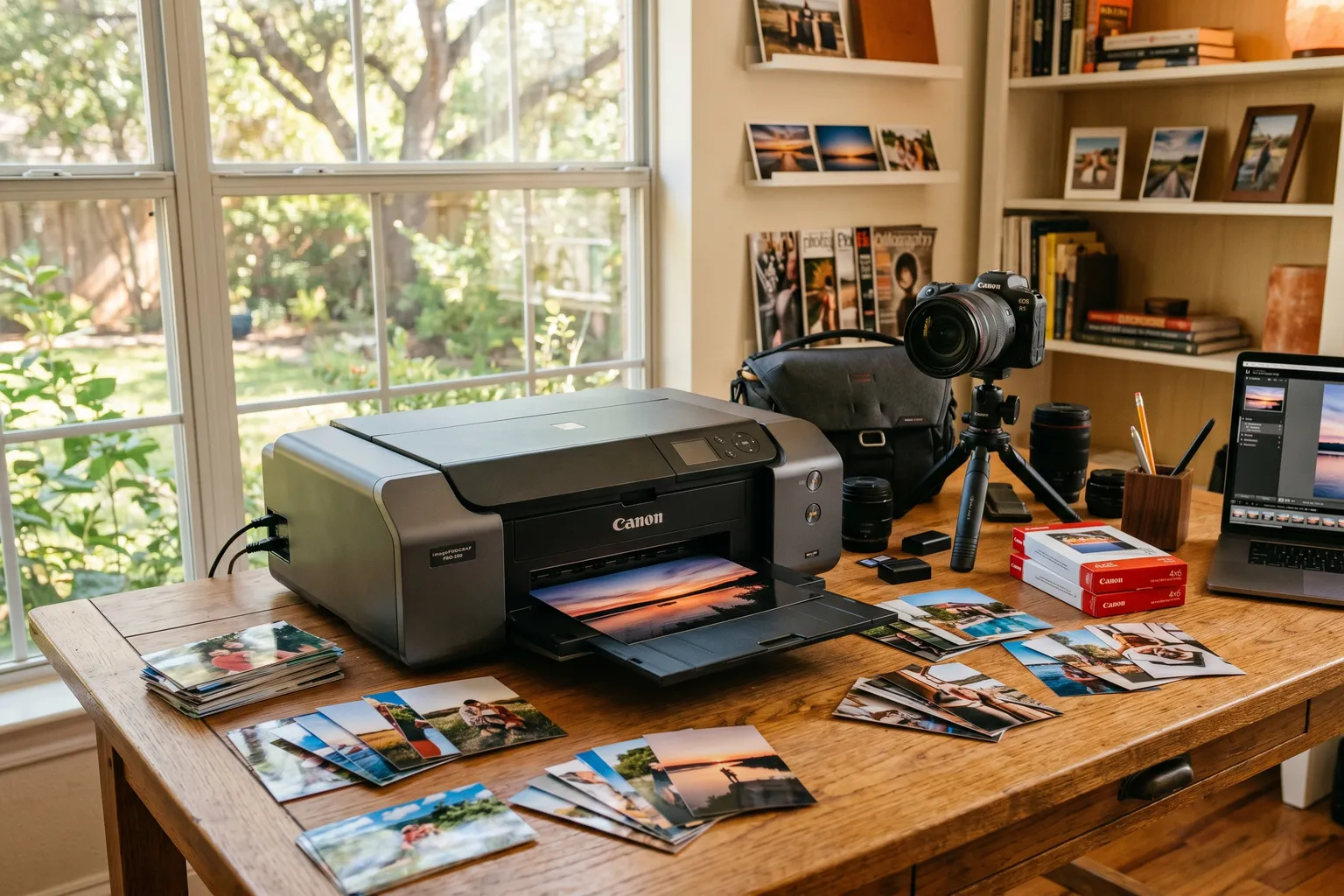
- Dye-sub printers like the Canon SELPHY have predictable per-print costs baked into the paper/ribbon packs — usually $0.25-0.35 per 4x6 print, no surprises.
- Inkjet photo printers have cheap hardware but expensive ink — factor in ongoing cartridge costs before buying. A $650 Epson P700 might cost you $200+ in ink annually.
- For casual 4x6 printing at home, the Canon SELPHY CP1500 is the easiest recommendation — compact, reliable, and it now ships bundled with a 108-print starter kit.
- If you're printing anything larger than 4x6 regularly, step up to the Epson SureColor P800 or Canon PIXMA PRO-200S — they're professional tools with professional output.
- The EcoTank ET-8550 solves the ink cost problem for high-volume photo printing — refillable tanks instead of cartridges changes the economics entirely.
I read 200 Amazon reviews before buying my last photo printer. Still got surprised by the ink costs.
That’s the thing about photo printers – the hardware is only part of the story. The ongoing cost of consumables is where photo printer economics get uncomfortable, and it’s the part manufacturers are least enthusiastic about advertising on the box.
So let’s start there.
Dye-sublimation printers use a ribbon that heats dye into the paper. The paper and ribbon come as a kit – you get a set number of prints per pack, and the per-print cost is baked in and predictable. Usually $0.25-0.35 per 4x6 print. No drying time. Water-resistant output. These are great for 4x6 social prints.
Inkjet photo printers use ink cartridges or tanks and print on paper you supply separately. They can print larger formats, produce wider color gamuts, and support fine art paper for archival prints. The per-print cost varies wildly depending on volume and ink prices, but it’s almost always higher than people expect. Ink also dries out if you don’t print regularly – which means infrequent printers pay even more per print than the math suggests.
Neither approach is wrong. They’re just different tools for different use cases. Here’s which is which.
Quick Comparison Table
| Printer | Type | Print Size | Cost Per 4x6 | Price |
|---|---|---|---|---|
| Canon SELPHY CP1500 | Dye-Sub | Up to 4x6 | ~$0.25-0.35 | ~$200 (kit included) |
| Epson SureColor P800 | Inkjet | Up to 17" wide | Variable | ~$1,298 |
| Canon PIXMA TR8620a | Inkjet AIO | Up to 4x6 (photo), 8.5x11 (docs) | ~$0.15-0.25 | ~$130 |
| Epson EcoTank ET-8550 | Inkjet (tank) | Up to 13" wide | ~$0.05-0.10 | ~$350 |
| Polaroid Hi-Print | Dye-Sub | 2x3 | ~$0.30 | ~$70 |
| Fujifilm Instax Mini Link 3 | Instax | 2.4x1.8" (Mini) | ~$0.75-1.00 | ~$82 |
| HP ENVY Inspire 7955e | Inkjet AIO | Up to 8.5x11 | ~$0.20-0.30 | ~$110 |
| Canon PIXMA PRO-200S | Inkjet | Up to 13x19" | Variable | ~$600 |
1. Canon SELPHY CP1500 — Best Compact Photo Printer
Canon SELPHY CP1500 — ~$200 (with starter ink/paper kit)
This is the printer I’d hand to someone who just wants to print 4x6 photos without thinking about it.
The SELPHY is a dye-sublimation printer – which means it uses a color ribbon and dedicated photo paper rather than ink cartridges. The print quality is genuinely good. Colors are vibrant, prints are water-resistant and smudge-proof straight out of the machine, and the whole process takes about 40 seconds per print.
The per-print cost is predictable. The printer now ships bundled with a 108-sheet RP-108 paper/ribbon kit included in that $200 price, so your first 108 4x6 prints are already paid for. Reorder kits run around $28-30 for another 108 prints, or roughly $0.26 per print after that. No surprises, no ink drying out between uses, no clogged print heads.
Wireless printing from your phone via Canon’s SELPHY Photo Layout app. USB, SD card, and USB-A connection for direct printing from camera or phone. AirPrint support for iOS. It’s portable – runs on an optional battery pack if you want to take it somewhere.
The limitation is size. The SELPHY is a 4x6 printer. That’s it. If you want 5x7, 8x10, or anything larger, you need a different printer. But for 4x6 snapshots – party photos, family prints, gift prints – this is the easiest recommendation on this entire list.
2. Epson SureColor P800 — Best Professional Desktop Photo Printer
Epson SureColor P800 — ~$1,298
Epson discontinued the P700, and the P800 is the current model carrying that professional-tier torch, at a real step up in both size and price.
Nine-color UltraChrome HD ink system with three-level black ink technology for genuinely neutral black-and-white output. Print width up to 17 inches, wider than the old P700’s 13-inch limit, with an optional roll feeder for printing from roll-based media rather than sheets.
Color accuracy and print longevity are the whole pitch here. Epson rates the UltraChrome HD inks for significantly improved archival life over older formulations. For photographers who want prints that look like the files they edited – not a shifted, compressed approximation – this is the printer.
Wireless, Wi-Fi Direct, Ethernet, USB. AirPrint and Google Cloud Print support. Borderless printing on photo paper, fine art paper, and posterboard up to 17 inches wide.
The honest tradeoff: cost, both upfront and ongoing. Nine 80ml ink cartridges is a real investment to keep stocked, and at nearly double the old P700’s price, this printer only makes sense for photographers printing enough volume to justify it – probably 50+ prints per month. Under that, you might print less expensively at a professional lab and use the P800 as a creative proofing tool.
3. Canon PIXMA TR8620a — Best All-in-One for Home Photo Printing
Canon PIXMA TR8620a — ~$130
Most people don’t need a dedicated photo printer. They need a printer that can produce good photos when they want them, and handle documents, school projects, and occasional scanning the rest of the time. The TR8620a is that printer.
Five-ink system with a dedicated photo ink – most home printers use four colors (CMYK), which compromises skin tones and smooth gradients. The fifth color (photo blue or gray, depending on the series) fills in the gaps and produces noticeably better photo output. 4x6 prints look genuinely good. 8x10 on photo paper is respectable, though not professional-quality.
Print, scan, copy, and fax (yes, fax is still a thing in some industries). Auto duplex printing. Wireless, AirPrint, and Google Cloud Print compatible. Prints directly from memory cards and USB drives.
The catch: ink costs. Canon’s XL cartridges are more economical than standard, but if you print high volumes of photos, this printer will surprise you on ink spend. Keep it for light-to-moderate use – a few prints here and there, occasional photo projects – and it excels. Run it hard every day and the ongoing ink costs will start to hurt.
4. Epson EcoTank ET-8550 — Best for High-Volume Photo Printing
Epson EcoTank Photo ET-8550 — ~$350
The EcoTank concept is simple: throw away the expensive cartridge model. Fill the ink tanks directly from bottles. Print a lot. Pay very little per print over time.
The ET-8550 applies that idea to a wide-format photo printer. Six-color ink system – including photo black and gray – in refillable tanks that give you thousands of prints before needing a refill. Epson rates the initial ink bottles included with the printer as sufficient for approximately 1,300 4x6 photos. That’s not a typo. The per-print cost at volume is genuinely around $0.05-0.10 per 4x6.
Print width up to 13 inches, same as the SureColor P700. Quality is very good – not P800-class for professional fine art output, but for borderless 4x6 through 13x19 on photo paper, the output is impressive. Built-in scanner. Wireless, Ethernet, USB. Touchscreen interface.
The upfront cost ($350) is higher than a cartridge-based all-in-one. The value case only works if you print regularly. If you’re going to print 50+ photos a month, the EcoTank pays for the premium quickly and keeps paying it month after month. If you print 5 photos a month, start with the SELPHY.
5. Polaroid Hi-Print 2x3 — Best Pocket Printer for Social Prints
Polaroid Hi-Print 2x3 (2nd Gen) — ~$70
Small. Bluetooth. Phone-to-print in about a minute. This is not a printer for people who care deeply about archival quality.
The Hi-Print is a pocket-sized dye-sublimation printer that connects to your phone via Bluetooth and prints 2x3-inch photos. The output is water-resistant and smudge-proof – dye-sub advantages again. The print quality for its size is genuinely good: sharp, vibrant, not the washed-out look you get from cheaper ZINK printers.
The second generation improved connectivity and the companion app. Print directly from your camera roll, or use the Polaroid app to add filters and borders.
Cost per print runs around $0.30 when you factor in the paper/ribbon cartridges. It’s a social print – something you hand to someone at a party or stick on a bulletin board. Not something you frame. If that’s the use case, it’s the best small printer for the money.
6. Fujifilm Instax Mini Link 3 — Best for Instax Format
Fujifilm Instax Mini Link 3 — ~$82
Fujifilm has discontinued the Link Wide, and its current phone-printer lineup runs Mini and Square formats instead. The Mini Link 3 prints the classic 2.4 x 1.8-inch Instax Mini size, smaller than the old Wide format, with the same warm, slightly overexposed Instax look that Instagram-era social printing made famous.
The Mini Link 3 connects to your phone via Bluetooth and prints through Fujifilm’s Instax app. It’s compact and pocketable – smaller than the old Link Wide was, since the Mini format needs less printer to produce.
The catch is the same one the format has always had: film costs are higher than most alternatives. Instax Mini film runs roughly $0.75-1.00 per print depending on pack size, expensive compared to dye-sub alternatives. What you’re paying for is the Instax aesthetic and the classic white-bordered Mini format, which has a specific appeal for event photography, weddings, and parties where the format is the point.
If you want standard 4x6 prints at lower cost, start with the Canon SELPHY. If you want Instax – and you’ll know if you want Instax – this is the right printer, just in the Mini format rather than Wide.
7. HP ENVY Inspire 7955e — Best Budget All-in-One with Photo Quality
HP ENVY Inspire 7955e — ~$110
The ENVY Inspire is HP’s attempt at a home all-in-one that produces respectable photo output without dedicated photo ink.
Print, scan, and copy in one unit. Automatic duplex. Wireless, AirPrint, Google Print. Print up to 8.5x11" on photo paper with decent results – not Canon PIXMA quality, but better than basic four-color printers.
HP’s Instant Ink subscription is packaged with this printer aggressively. It’s not a bad deal if you print consistently – HP ships ink before you run out based on your usage. If you print infrequently, it’s cheaper to buy cartridges outright.
The honest assessment: for photo printing specifically, the Canon PIXMA TR8620a does better for about the same money. The HP ENVY Inspire is the pick if you want a solid all-in-one primarily for documents with decent photo output on the side. Priorities matter here.
8. Canon PIXMA PRO-200S — Best Prosumer Wide-Format Printer
Canon PIXMA PRO-200S — ~$600
Canon updated the Pro-200 to the PRO-200S, and it still sits between the TR8620a home printer and the Epson P800 professional printer – for photographers who print up to 13x19" on quality paper, it’s still close to the sweet spot, just at a higher price than the outgoing model.
Eight-color dye ink system, unchanged from the Pro-200. Maximum print size 13x19 inches, borderless, with a bordered A3+ print in as little as 90 seconds. The dye ink system is optimized for vivid color output rather than the maximum archival longevity of pigment inks (the P800’s strength). For photographers printing portfolio work on glossy and luster paper, the color output is stunning. For fine art matte and archival work, the P800 is the better tool.
Wireless, USB, and direct print via SD card. A 3-inch color LCD makes checking ink levels and settings easier than the old model’s interface. Compatible with a wide range of Canon photo papers, plus third-party papers with ICC profiles available from most specialty paper manufacturers.
At around $600, it costs more than the Pro-200 did, but it’s still a meaningfully cheaper path to 13x19 photo printing with genuinely impressive color than the P800’s nearly $1,300. Ink costs are real – eight channels, dye ink, regular printing – but less punishing than the nine-channel P800 at its much higher price.
If you’re printing large prints for display and don’t need archival pigment longevity, this is where the value argument lives.
The Bottom Line
Photo printing is rarely simple. The hardware cost is the easy part – the ongoing ink or ribbon costs are where the real economics live.
For most casual home printers: Canon SELPHY CP1500. Around $200 with a starter kit included, predictable costs after that, no maintenance headaches.
High-volume printing: Epson EcoTank ET-8550. The economics only work above a certain volume, but once they do, the savings are significant.
Professional photographers: Epson SureColor P800 or Canon PIXMA PRO-200S. The P800 for fine art and archival pigment output, the PRO-200S for vibrant color output at a much lower entry cost.
Social printing: Polaroid Hi-Print or Fujifilm Instax Mini Link 3 depending on whether you want standard prints or the Instax aesthetic.
The ink costs are real. Don’t let the hardware price be the only number you look at.