
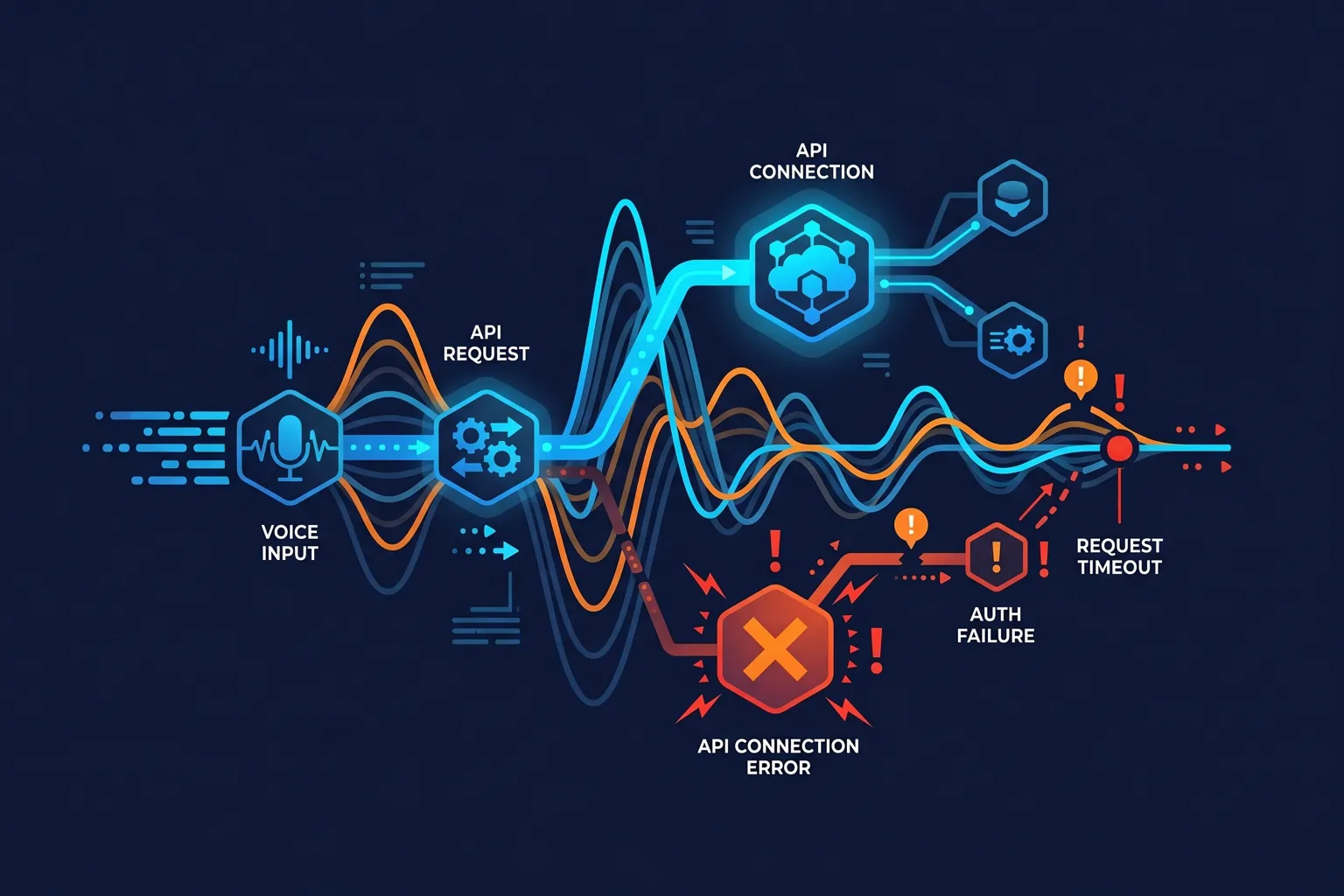
ElevenLabs’ API is, honestly, one of the better developer experiences in AI tooling. Clear documentation, consistent error responses, and support that actually responds. But when it breaks – and it does sometimes – the errors can be cryptic if you don’t know what you’re looking at.
Here are the errors you’re most likely to hit and how to fix them.
Authentication Errors (401 Unauthorized)
Error response:
{
  "detail": {
    "status": "unauthorized",
    "message": "Invalid API key"
  }
}
Most common cause: The API key was regenerated and your code is using the old one.
ElevenLabs lets you regenerate API keys from the dashboard, which immediately invalidates the previous key. If you changed your key recently – or if someone else with dashboard access did – your old key stops working immediately.
Fix (Python):
import os
from elevenlabs.client import ElevenLabs

# Use environment variable, not hardcoded
client = ElevenLabs(api_key=os.environ.get("ELEVENLABS_API_KEY"))
Check for whitespace issues:
api_key = os.environ.get("ELEVENLABS_API_KEY", "").strip()
# .strip() removes any leading/trailing whitespace from env var
Verify your key is active: Go to elevenlabs.io → Profile Settings → API Keys. Confirm the key you’re using is listed and not expired or disabled.
Rate Limit Errors (429 Too Many Requests)
Error response:
{
  "detail": {
    "status": "too_many_requests",
    "message": "Your request rate limit has been exceeded. Please try again later."
  }
}
Rate limits at ElevenLabs operate on two dimensions: concurrent requests (how many requests are running at the same time) and characters per minute (how much text you’re converting).
Free tier: Very restrictive, basically for testing only. Creator: Reasonable limits for most production use cases. Pro+: High throughput for commercial applications.
Fix with exponential backoff (Python):
import time
import random
from elevenlabs.client import ElevenLabs

def generate_with_retry(client, text, voice_id, max_retries=5):
    for attempt in range(max_retries):
        try:
            audio = client.generate(
                text=text,
                voice=voice_id,
                model="eleven_multilingual_v2"
            )
            return audio
        except Exception as e:
            if "429" in str(e) or "too_many_requests" in str(e):
                wait = (2 ** attempt) + random.uniform(0, 1)
                print(f"Rate limited. Waiting {wait:.1f}s before retry {attempt + 1}/{max_retries}")
                time.sleep(wait)
            else:
                raise
    raise Exception("Max retries exceeded")
Fix with exponential backoff (JavaScript):
async function generateWithRetry(text, voiceId, maxRetries = 5) {
  for (let attempt = 0; attempt < maxRetries; attempt++) {
    try {
      const audio = await elevenlabs.generate({
        text,
        voice: voiceId,
        model_id: "eleven_multilingual_v2",
      });
      return audio;
    } catch (error) {
      if (error.statusCode === 429 && attempt < maxRetries - 1) {
        const wait = Math.pow(2, attempt) * 1000 + Math.random() * 1000;
        console.log(`Rate limited. Waiting ${(wait/1000).toFixed(1)}s...`);
        await new Promise(resolve => setTimeout(resolve, wait));
      } else {
        throw error;
      }
    }
  }
}
Timeout Errors on Long Text
If you’re passing large amounts of text to the standard /v1/text-to-speech endpoint, you’ll hit timeouts. The API generates the full audio before returning it, and for long texts this can take longer than default HTTP timeout settings.
Fix: Use the streaming endpoint
The streaming endpoint /v1/text-to-speech/{voice_id}/stream returns audio chunks as they’re generated, which starts giving you audio within a second or two and avoids timeout issues entirely.
from elevenlabs.client import ElevenLabs
import io

client = ElevenLabs(api_key=os.environ.get("ELEVENLABS_API_KEY"))

# Streaming -- better for long texts
audio_stream = client.generate(
    text=long_text,
    voice="Rachel",
    model="eleven_multilingual_v2",
    stream=True
)

# Save streamed audio to file
with open("output.mp3", "wb") as f:
    for chunk in audio_stream:
        if chunk:
            f.write(chunk)
For even longer content, consider chunking your text at natural break points (paragraph boundaries, sentence ends) and generating each chunk separately. This gives you more control over the process and makes retry logic simpler.
Voice ID Not Found Errors
{
  "detail": {
    "status": "voice_not_found",
    "message": "Voice with id '{voice_id}' not found."
  }
}
Either the voice ID is wrong, or you’re trying to use a voice that isn’t available on your plan.
Get available voices (Python):
client = ElevenLabs(api_key=os.environ.get("ELEVENLABS_API_KEY"))

voices = client.voices.get_all()
for voice in voices.voices:
    print(f"Name: {voice.name}, ID: {voice.voice_id}")
Note that some professional and creator voices require higher tier plans. If you’re on a free account and trying to use a voice that requires Creator or Pro, you’ll get this error.
WebSocket Connection Errors (Streaming TTS)
If you’re using ElevenLabs’ WebSocket-based streaming for real-time applications, you may encounter connection drops or “connection refused” errors.
Common causes:
- Connection timeout – WebSocket connections have a maximum duration
- Network interruptions during a long session
- Rate limiting at the WebSocket level
Fix: Implement connection handling:
import WebSocket from 'ws';

function createReconnectingSocket(url, apiKey) {
  let ws;
  let reconnectAttempts = 0;
  const maxAttempts = 5;

  function connect() {
    ws = new WebSocket(`${url}?xi-api-key=${apiKey}`);

    ws.on('open', () => {
      reconnectAttempts = 0;
      console.log('WebSocket connected');
    });

    ws.on('close', (code) => {
      if (code !== 1000 && reconnectAttempts < maxAttempts) {
        const delay = Math.pow(2, reconnectAttempts) * 1000;
        reconnectAttempts++;
        console.log(`Reconnecting in ${delay}ms (attempt ${reconnectAttempts})`);
        setTimeout(connect, delay);
      }
    });

    ws.on('error', (error) => {
      console.error('WebSocket error:', error);
    });
  }

  connect();
  return () => ws;
}
Character Quota Exceeded
{
  "detail": {
    "status": "quota_exceeded",
    "message": "You have exceeded your monthly character quota."
  }
}
Your account has hit its monthly character limit. This resets on your billing cycle date.
Check your current usage: Profile → Usage in the ElevenLabs dashboard. You’ll see characters used vs. your plan limit and when it resets.
If you’re consistently hitting quota limits, it’s worth looking at the next plan tier. ElevenLabs’ pricing scales predictably – our ElevenLabs pricing breakdown covers what each tier gets you. And if you’re evaluating whether ElevenLabs is the right API for your project, our ElevenLabs review covers the full capabilities and how it compares to alternatives.
For voice generation comparison across platforms, ElevenLabs vs Murf AI covers how the API stacks up against the competition.
ElevenLabs at elevenlabs.io publishes detailed API documentation at docs.elevenlabs.io – their error reference section is genuinely useful if you’re hitting an error not covered here. The developer community Discord is also active and the team responds to technical questions.